Announcements
No announcements yet
Upcoming Features
Add unMinable Account
The wallet address in "Accounts" is used for MinerBox account configuration and setup.
For simplifiying address insertion and transfer the QR codes mechanizm are implemented.
The steps for adding account are:
1. Open and login to your account WEB 
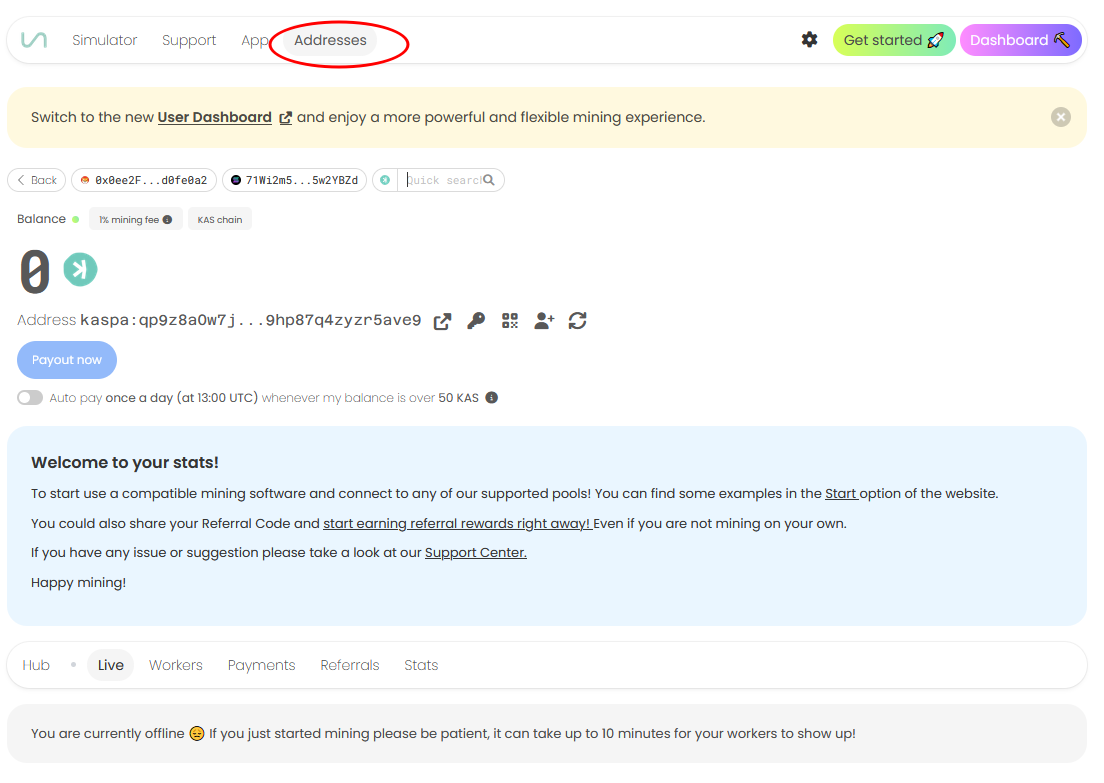
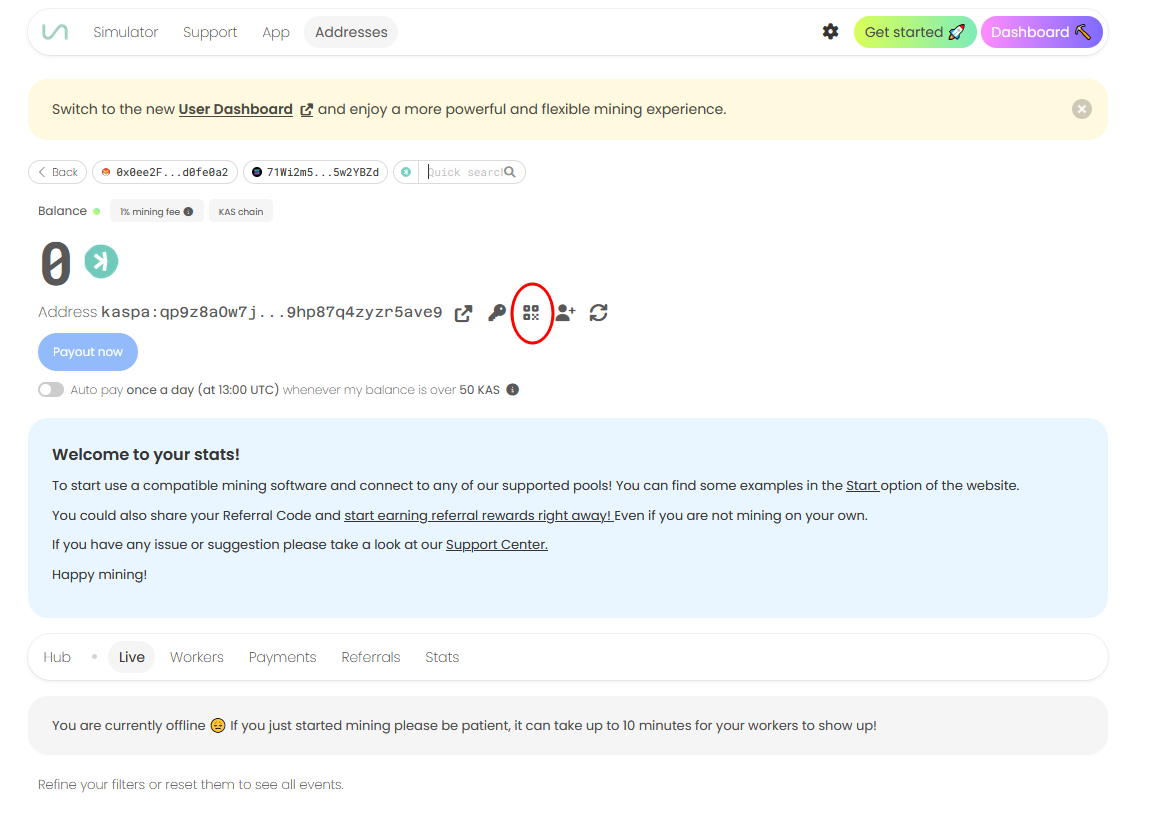
2. Click on QR for wallet address (or copy address).
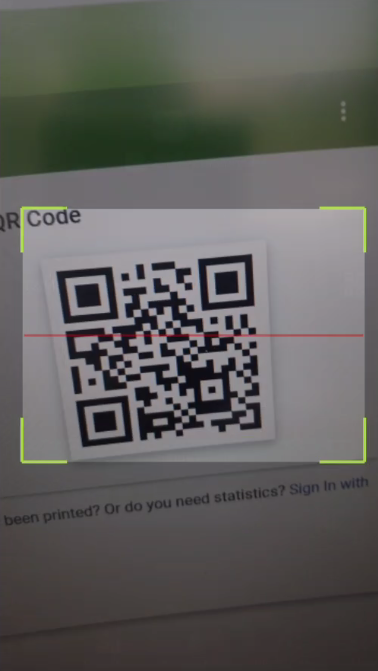
3. Select Pool and appropriate coin in MinerBox app and click on QR reader (or just paste copied string if you are on same device)
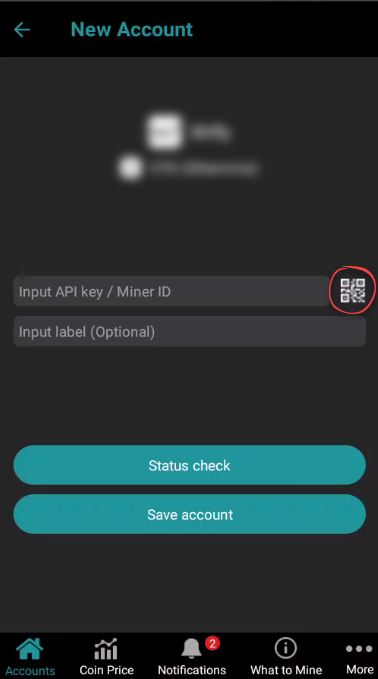
4. Press "Status check" button and if it's colored green then all is OK. Red colored button mean issue with address or account data and the account can't be added.
5. Press "Save account" and track account.